I’ve been doing some of my studies online using Udemy.
In a few groups, I had previously suggested that persons interested in getting into AI could start with something simple and guided, such as Coursiv, then move on to broader learning platforms such as Udemy once they become more comfortable.
Recently, I tried opening Udemy from my phone because I wanted to share a few course links with friends.
Instead, I got:
HTTP ERROR 401
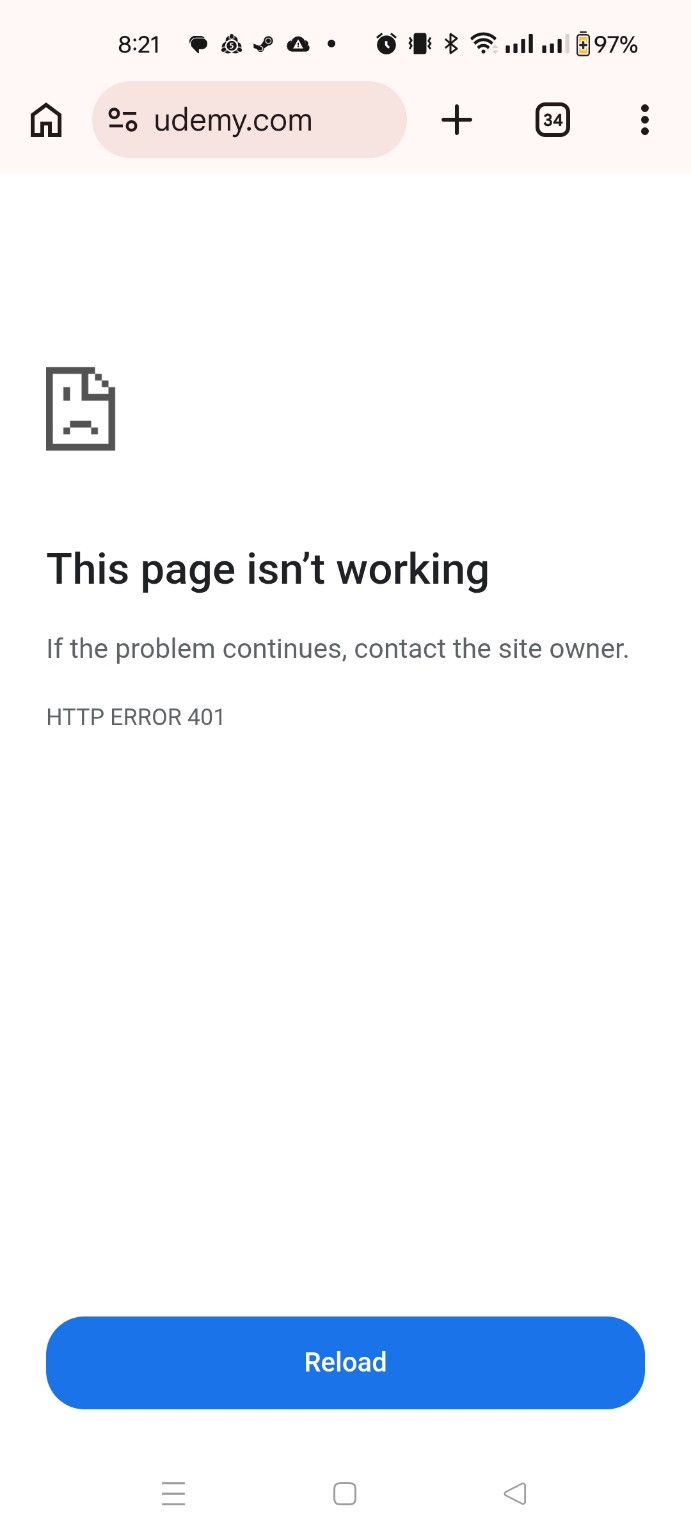
A 401 response means the request did not contain valid authentication credentials for the requested resource.
At that point, the troubleshooting started.
First Thought: Is It the Connection?
My first thought was that it could be:
-
the router;
-
the modem;
-
the ISP;
-
the VPN;
-
a routing issue.
So I turned off Wi-Fi and tried mobile data.
Same result.
I then tried with and without the VPN.
Still the same.
That made a simple local network or VPN problem less likely.
Is Udemy Down?
The next step was to check whether Udemy itself was having problems.
There are several websites and searches that can help with this, such as:
Some of the results were conflicting.
One or two suggested that there may have been issues with Udemy.
That was possible, but it still needed to be verified.
A service-status website can be useful, but it should not automatically become the diagnosis.
Check From Somewhere Else
I then used a remote connection to a server in another geographical location and tried Udemy from there.
It worked.
That changed the picture.
Now I knew:
-
Udemy itself was accessible;
-
the service was not completely down;
-
another location could reach it successfully.
At this point, I wondered whether access from Jamaica was being affected.
That was not an unreasonable possibility.
I had previously seen a similar type of situation with Microsoft Outlook access, where some users in Jamaica experienced sign-in problems that appeared to be related to certain Jamaican ISP IP ranges.
I documented that separately here:
So a regional or ISP-related problem was possible.
But there was still another possibility.
What If It Is the Browser?
I eventually wondered:
Could the cookies or stored site data for Udemy be the problem?
So I checked the site information in Chrome.
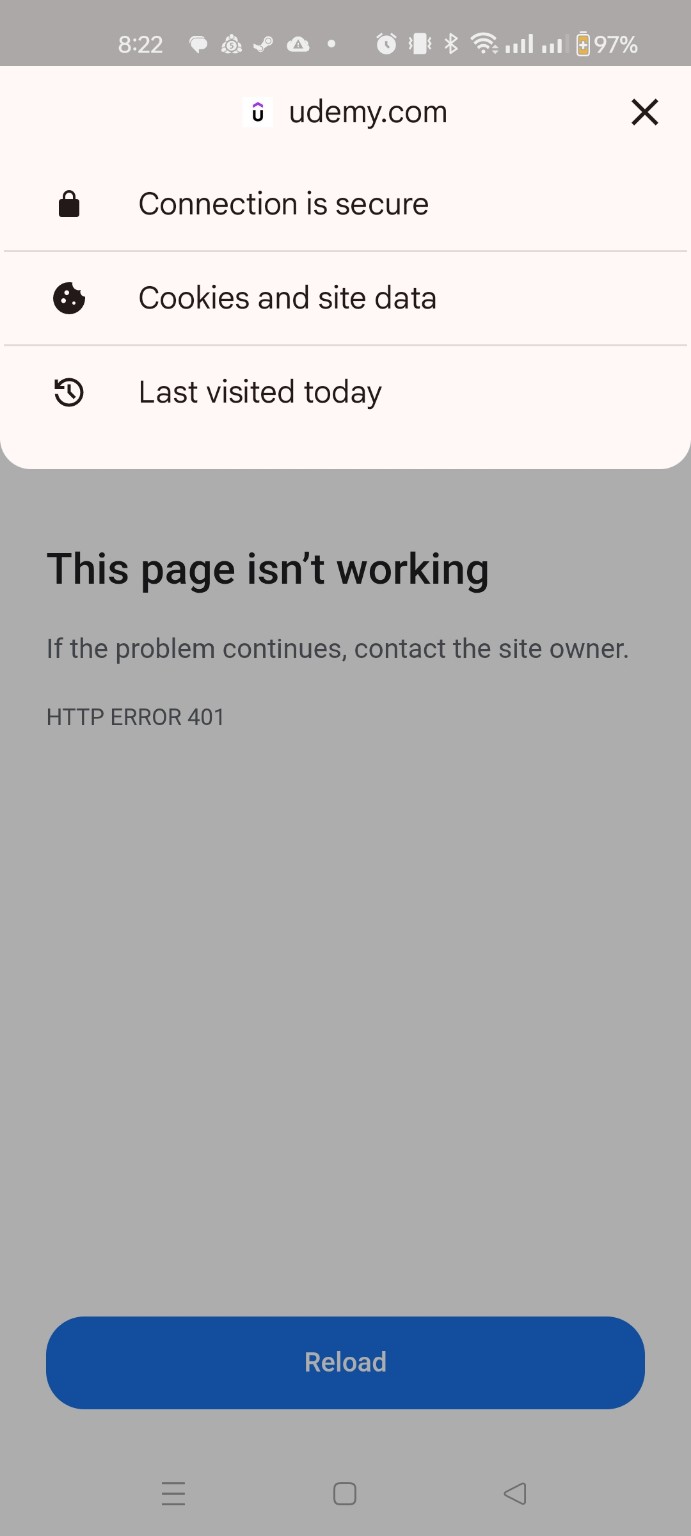
I opened:
Cookies and site data
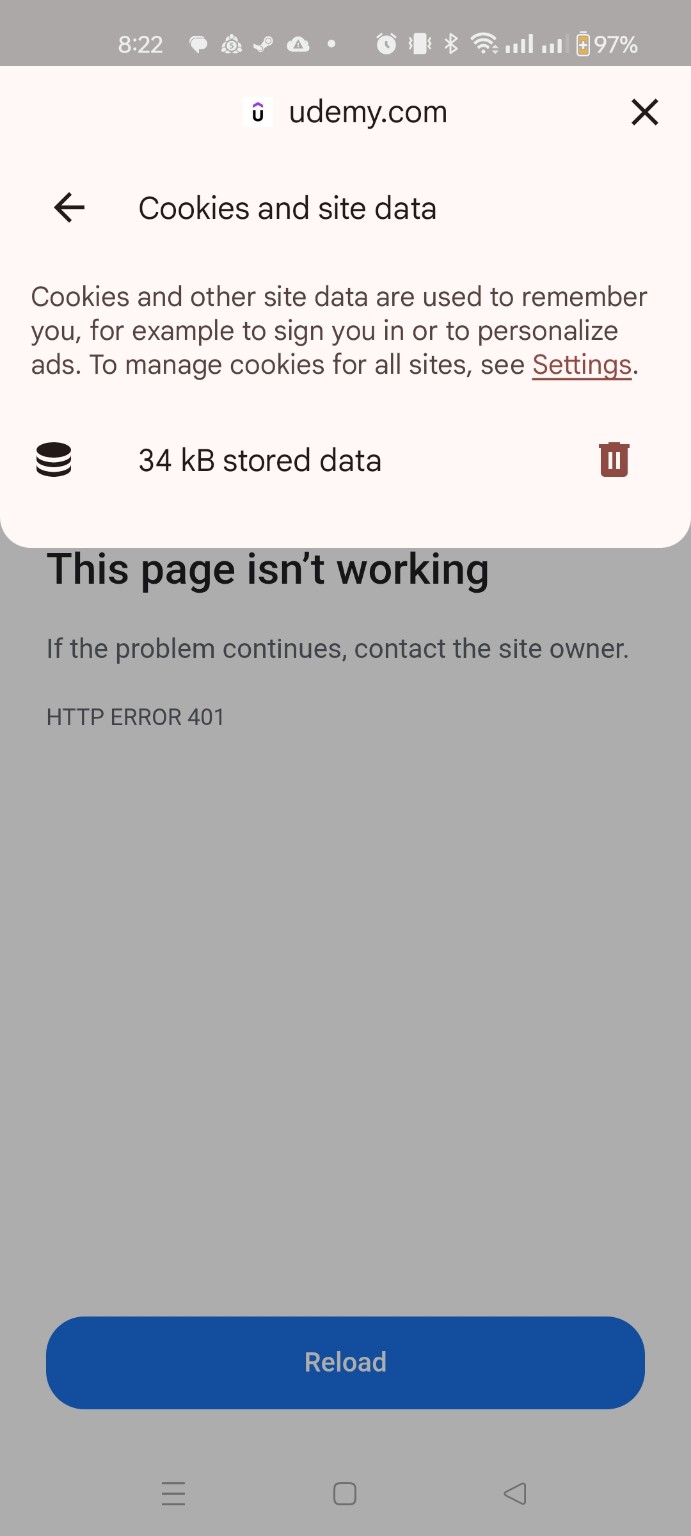
Then deleted the stored data for Udemy.
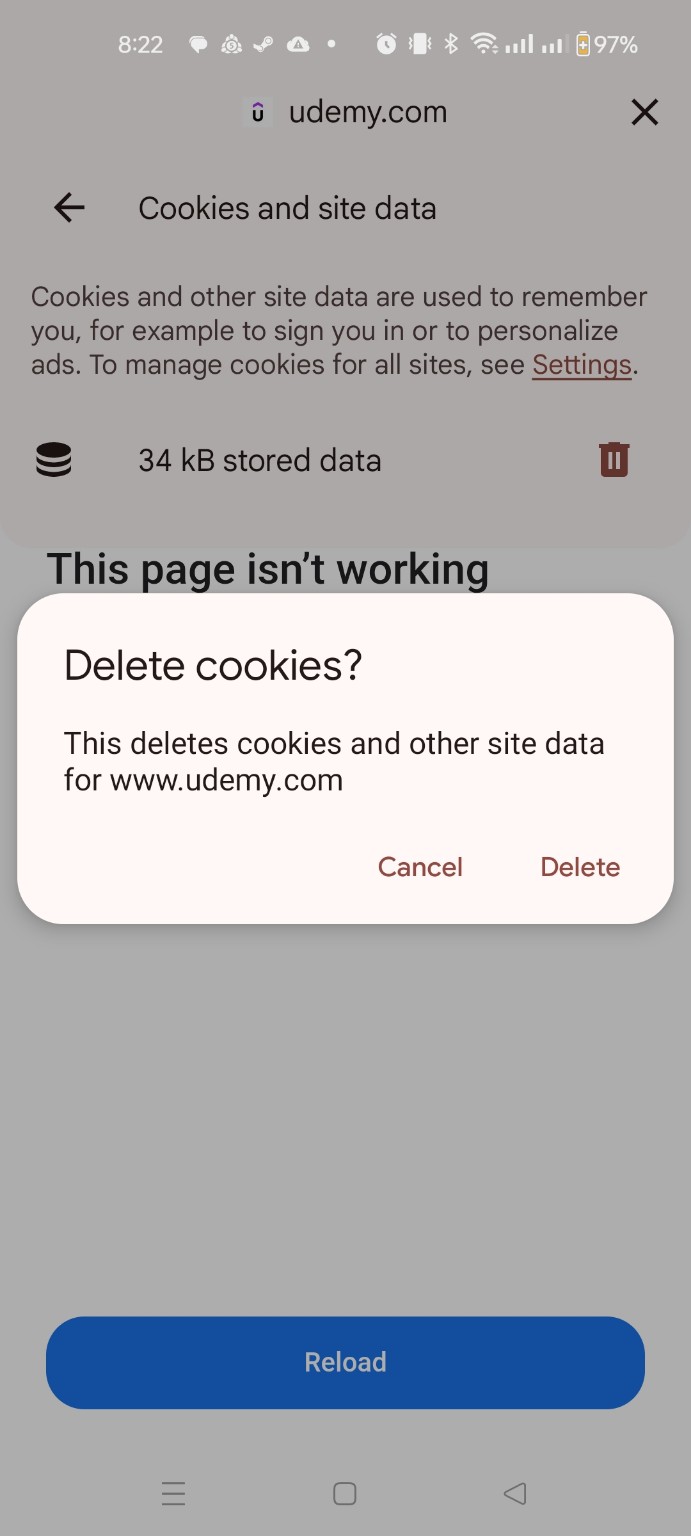
Chrome allows cookies and site data to be deleted for a specific website without clearing everything stored by the browser. Clearing that data may also sign you out or remove saved site preferences.
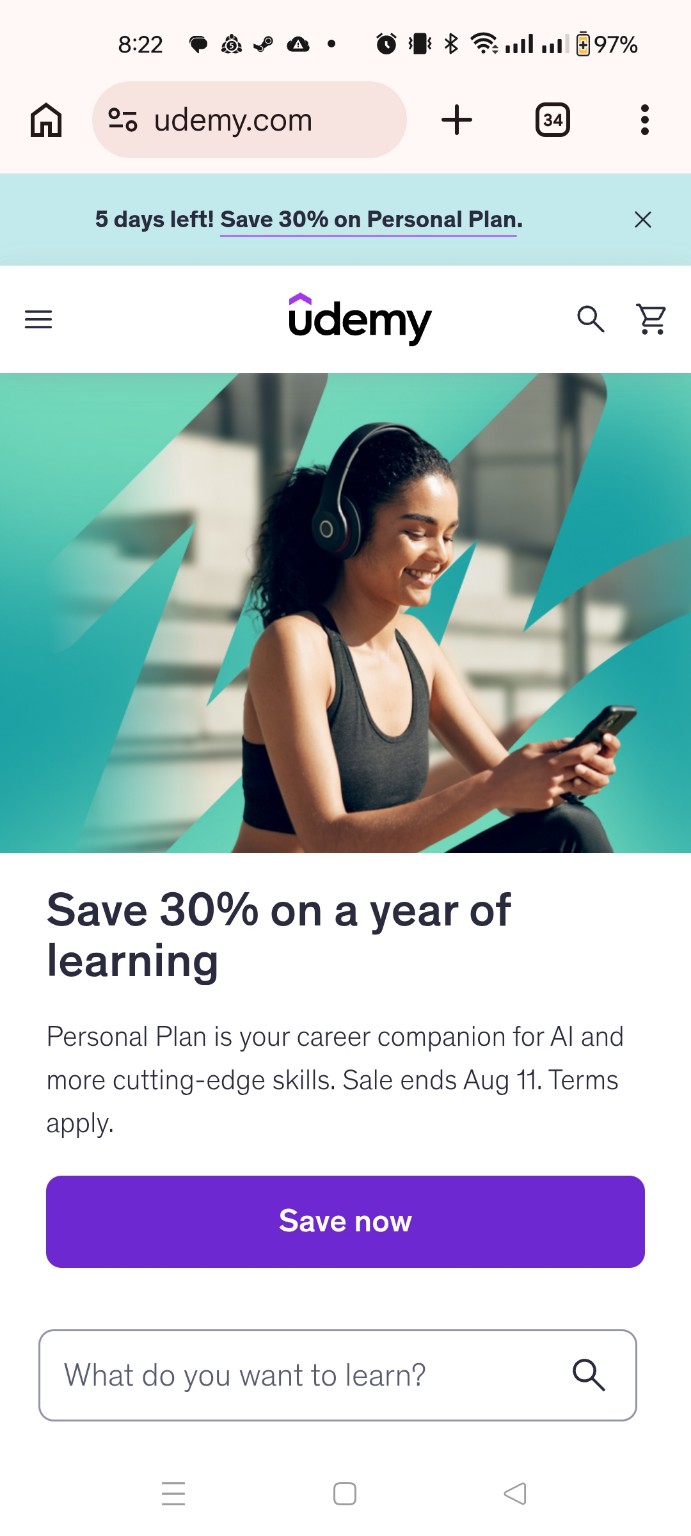
After clearing the Udemy data, I reloaded the site.
It worked.
In simple terms:
The old cookies were bad, so I had to bake a fresh batch.
More accurately, some stored browser or session information associated with Udemy had become invalid or inconsistent. Clearing the site data forced the browser and website to establish a fresh session.
The Troubleshooting Chain
Looking back, the troubleshooting process went something like this:
-
Confirm the error.
-
Change from Wi-Fi to mobile data.
-
Test with and without the VPN.
-
Check whether the service appears to be down.
-
Test the website from another geographical location.
-
Consider whether Jamaica or the ISP could be affected.
-
Return to the local device.
-
Clear the affected site’s cookies and stored data.
-
Retest.
-
Confirm that the site works.
The solution ended up being local.
What I Should Have Done Earlier
There were easier tests that I did not perform initially.
I could have tried:
-
another browser;
-
another phone or tablet;
-
my desktop;
-
my laptop;
-
Incognito/Private mode.
My desktop and laptop were able to access Udemy normally.
That would have narrowed the problem to the phone or browser much earlier.
Why didn’t I do that?
I temporarily took the same approach many end users take:
“It can’t be my device.”
But it was.
That is another troubleshooting lesson in itself.
Go Back to Basics
Sometimes technicians with more experience skip basic checks because we are already thinking several stages ahead.
We start considering:
-
routing;
-
ISP filtering;
-
regional blocks;
-
DNS;
-
server problems;
-
authentication systems;
-
application faults.
Meanwhile, someone doing Level 1 support may ask:
“Did you try another browser?”
And solve the problem.
That is not because Level 1 knows more than Level 2 or Level 3.
It is because support levels are supposed to build on each other.
Why Support Levels Matter
A normal escalation path may look something like:
Level 1
Basic verification and common fixes.
For example:
-
reproduce the issue;
-
restart the application;
-
restart the device;
-
check connectivity;
-
try another browser;
-
clear site data;
-
verify the account;
-
check basic settings.
Level 2
More detailed troubleshooting.
This may include:
-
logs;
-
application configuration;
-
network testing;
-
permissions;
-
software repair;
-
advanced operating-system checks.
Level 3
Specialist or engineering-level investigation.
This may involve:
-
server-side issues;
-
infrastructure;
-
development;
-
advanced networking;
-
vendor escalation;
-
unusual or undocumented faults.
The important part is that an escalation normally assumes that the checks from the previous level have already been completed.
An issue should not move up the support chain simply because the first few ideas did not work. The basic checks should first be completed and documented.
Of course, things get missed.
Nobody is perfect.
The important thing is to recognize when you are getting too far ahead of yourself and go back to the beginning.
Eliminate What You Can
Troubleshooting is often a process of elimination.
In this case:
-
Wi-Fi failed.
-
Mobile data failed.
-
VPN made no difference.
-
Another geographical location worked.
-
Other devices worked.
-
Clearing the site data fixed the affected phone.
Each test removed or reduced the likelihood of another possible cause.
That is more useful than randomly applying fixes.
Do not only ask, “What could cause this?”
Also ask, “What can I eliminate?”
The smaller the list of possibilities becomes, the closer you are to the answer.
Final Lesson
The most complicated explanation is not always the correct one.
Sometimes the issue is:
-
a cable;
-
a restart;
-
a setting;
-
a browser;
-
a cookie.
And sometimes experience can actually work against you for a moment because you start looking for the complicated problem before eliminating the simple ones.
Always go back to basics.
If the basic checks have already been completed, then escalate.
If they have not, complete them first.
Because every now and then, the Level 3 technician needs the Level 1 question:
“Did you try it on another device?”